
diff options
| author | Dmitry Murzin <diraria@yandex.ru> | 2020-06-06 17:19:50 +0300 |
|---|---|---|
| committer | Caleb Cartwright <calebcartwright@users.noreply.github.com> | 2021-11-05 19:29:52 -0500 |
| commit | 9027db984be06dc99fd88264e9dbe84541547f08 (patch) | |
| tree | 5687501d4854a059ab80223d5ecc2586540f7331 | |
| parent | a5f85058ac2e3f330bd48dd8de26bf429fc28c30 (diff) | |
Update IntelliJ Integration (#4238)
| -rw-r--r-- | intellij.md | 23 |
1 files changed, 16 insertions, 7 deletions
diff --git a/intellij.md b/intellij.md index 7aea6222b8b..6a711c0171a 100644 --- a/intellij.md +++ b/intellij.md @@ -3,19 +3,28 @@ ## Installation - Install [CLion](https://www.jetbrains.com/clion/), [IntelliJ Ultimate or CE](https://www.jetbrains.com/idea/) through the direct download link or using the [JetBrains Toolbox](https://www.jetbrains.com/toolbox/). - CLion provides a built-in debugger interface but its not free like IntelliJ CE - which does not provide the debugger interface. (IntelliJ seems to lack the toolchain for that, see this discussion [intellij-rust/issues/535](https://github.com/intellij-rust/intellij-rust/issues/535)) - -- Install the [Rust Plugin](https://intellij-rust.github.io/) by navigating to File -> Settings -> Plugins and press "Install JetBrains Plugin" - 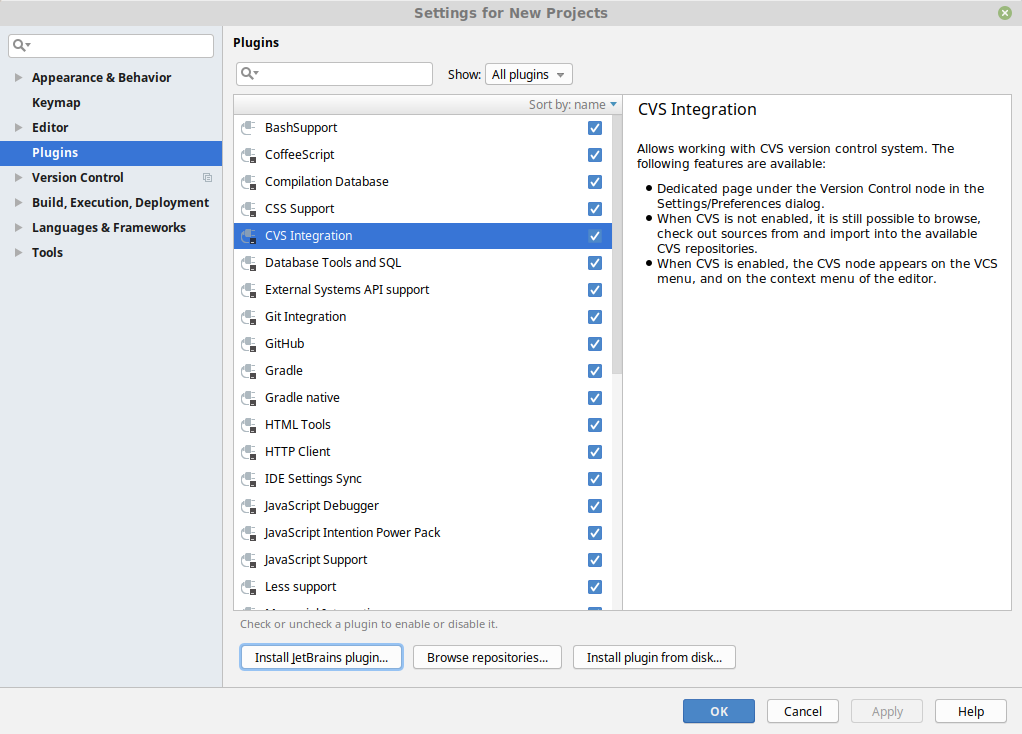 + CLion and IntelliJ Ultimate [provide a built-in debugger interface](https://github.com/intellij-rust/intellij-rust#compatible-ides) but they are not free like IntelliJ CE. + +- Install the [Rust Plugin](https://intellij-rust.github.io/) by navigating to File → Settings → Plugins and searching the plugin in the Marketplace + 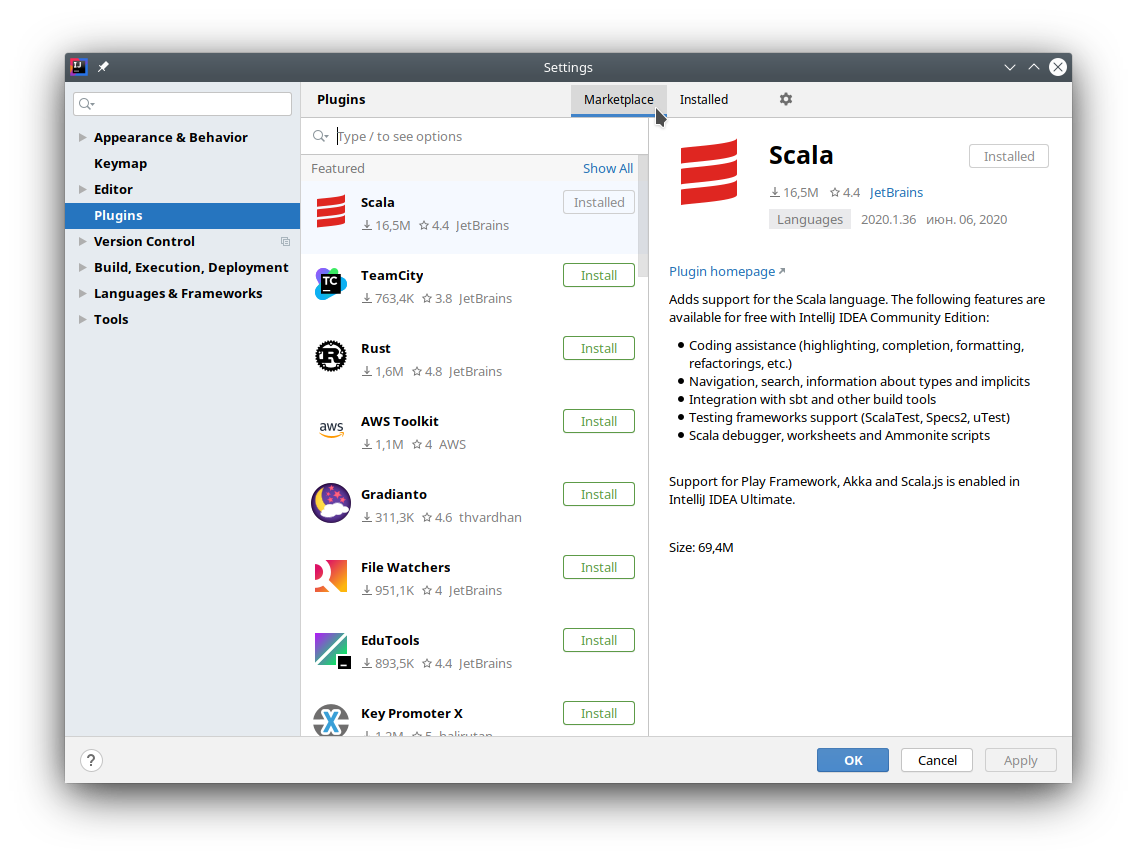 -- Press "Install" on the rust plugin - 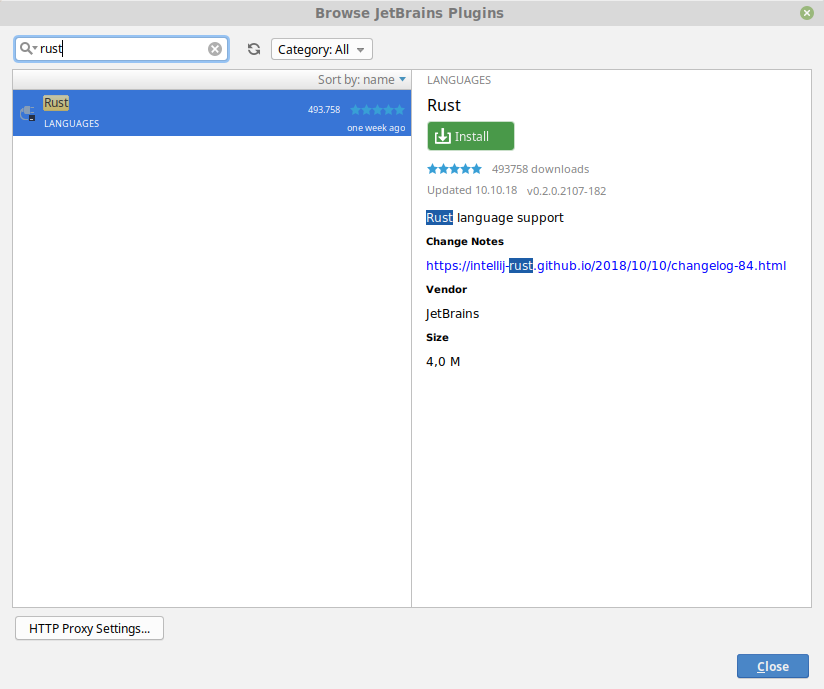 +- Press "Install" on the Rust plugin +  - Restart CLion/IntelliJ ## Configuration -- Open the settings window (File -> Settings) and search for "reformat" +### Run Rustfmt on save + +- Open Rustfmt settings (File → Settings → Languages & Frameworks → Rust → Rustfmt) and enable "Run rustfmt on Save" +  + +- IntellJ uses autosave, so now your files will always be formatted according to rustfmt. Alternatively you can use Ctrl+S to reformat file manually + +### Bind shortcut to "Reformat File with Rustfmt" action + +- Open the settings window (File → Settings) and search for "reformat" 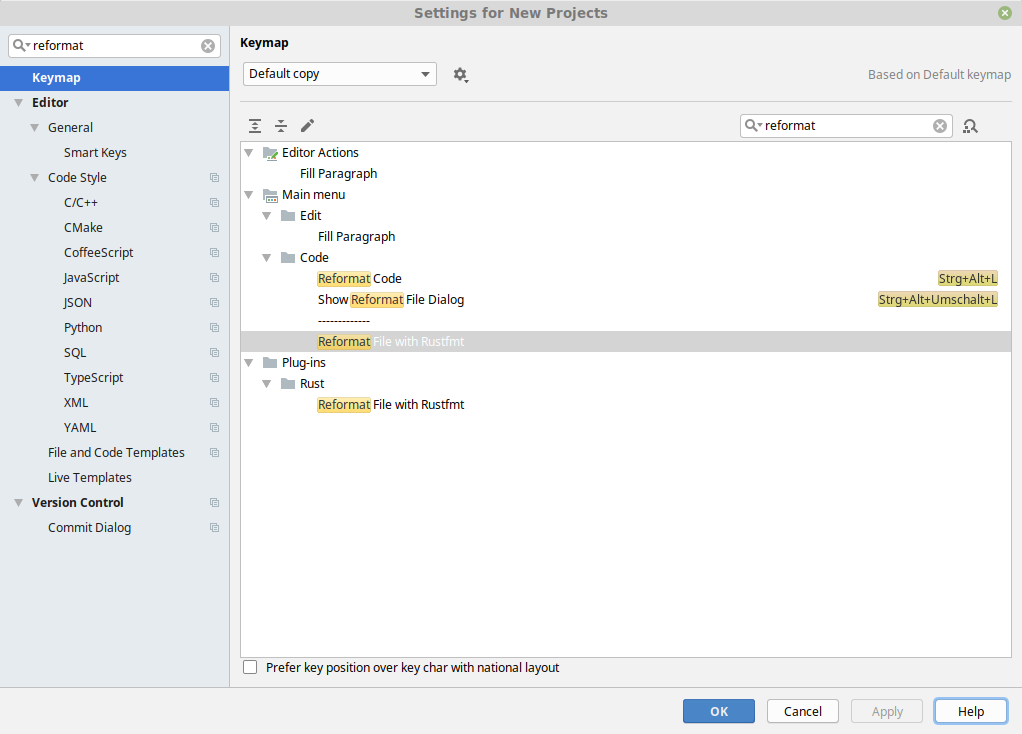 - Right-click on "Reformat File with Rustfmt" and assign a keyboard shortcut |