blob: 7aea6222b8bc5f7a8168857e36b7b501b225b267 (
plain)
1
2
3
4
5
6
7
8
9
10
11
12
13
14
15
16
17
18
19
20
21
22
23
24
25
26
|
# Running Rustfmt from IntelliJ or CLion
## Installation
- Install [CLion](https://www.jetbrains.com/clion/), [IntelliJ Ultimate or CE](https://www.jetbrains.com/idea/) through the direct download link or using the [JetBrains Toolbox](https://www.jetbrains.com/toolbox/).
CLion provides a built-in debugger interface but its not free like IntelliJ CE - which does not provide the debugger interface. (IntelliJ seems to lack the toolchain for that, see this discussion [intellij-rust/issues/535](https://github.com/intellij-rust/intellij-rust/issues/535))
- Install the [Rust Plugin](https://intellij-rust.github.io/) by navigating to File -> Settings -> Plugins and press "Install JetBrains Plugin"
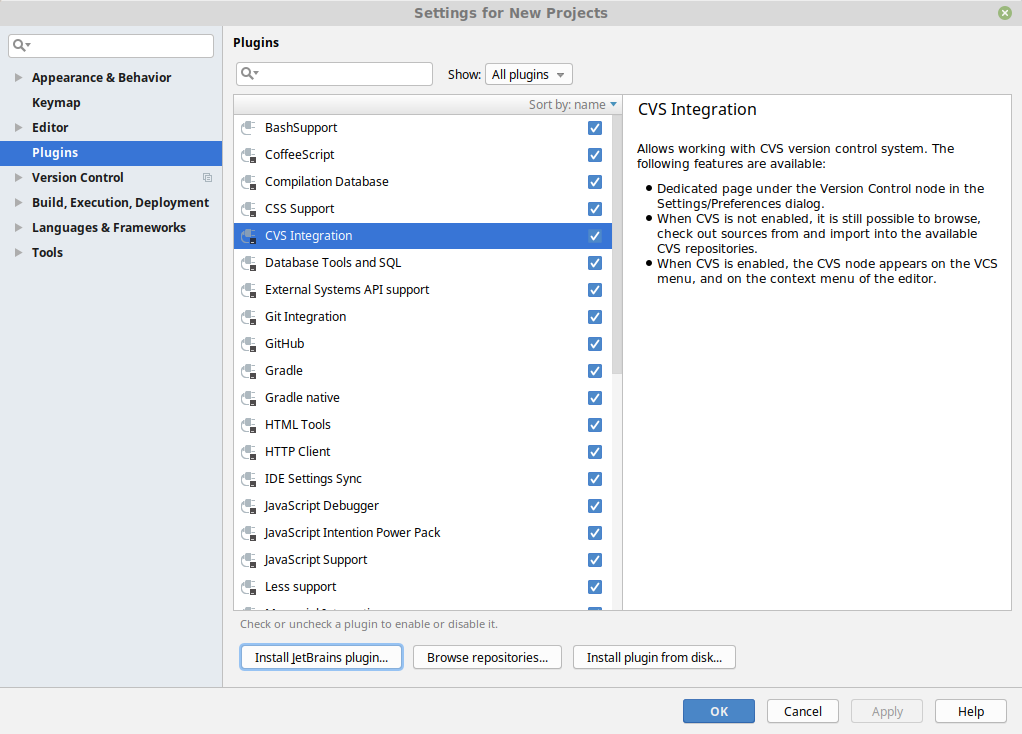
- Press "Install" on the rust plugin
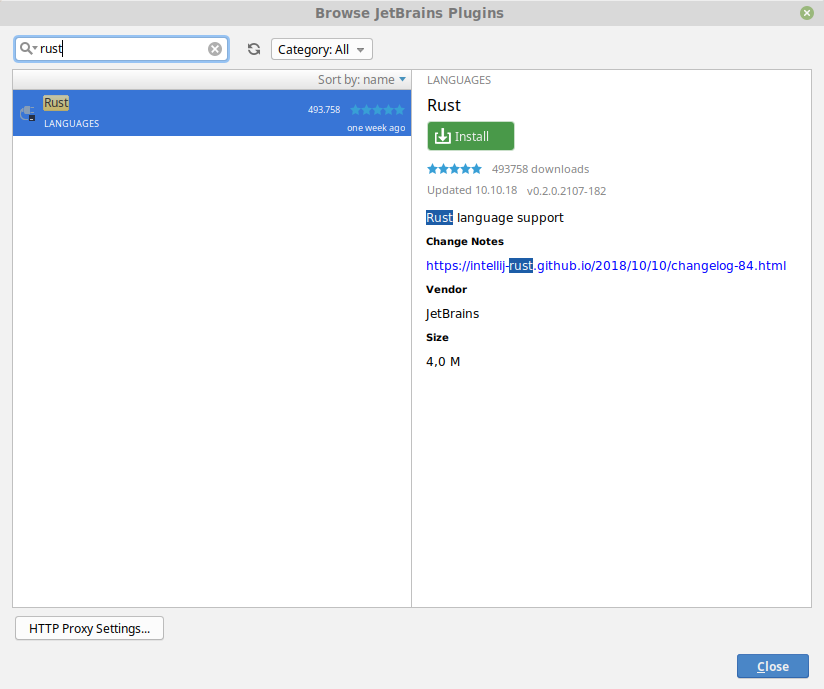
- Restart CLion/IntelliJ
## Configuration
- Open the settings window (File -> Settings) and search for "reformat"
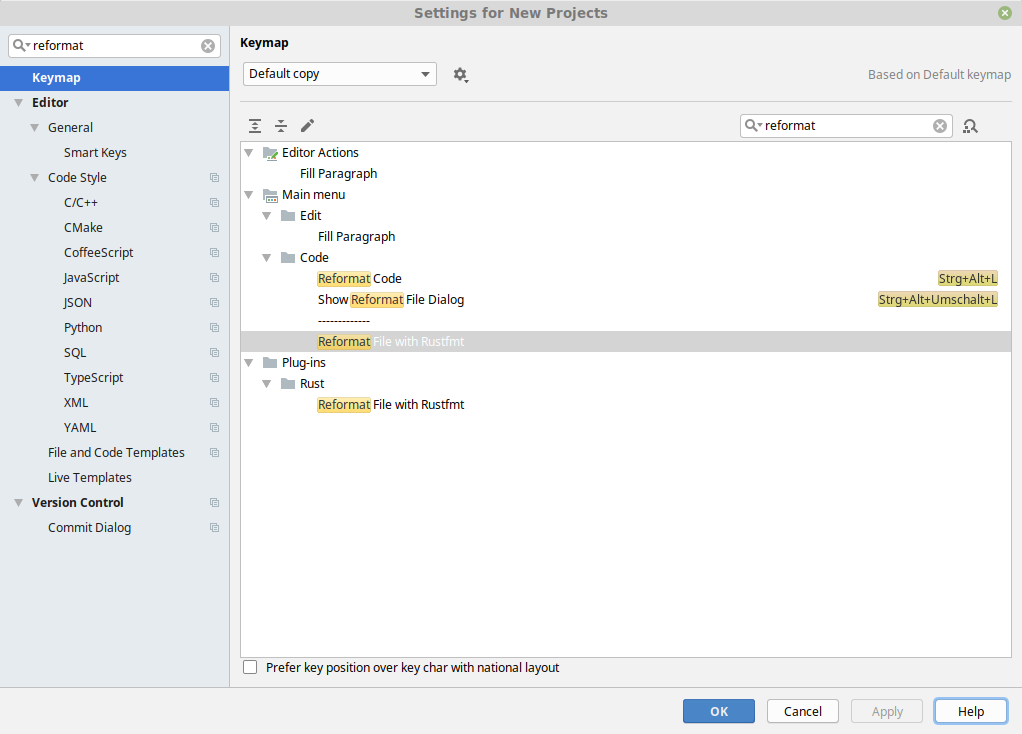
- Right-click on "Reformat File with Rustfmt" and assign a keyboard shortcut
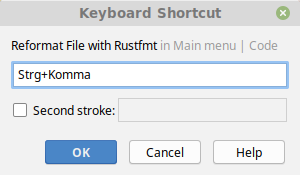
- Press "OK"
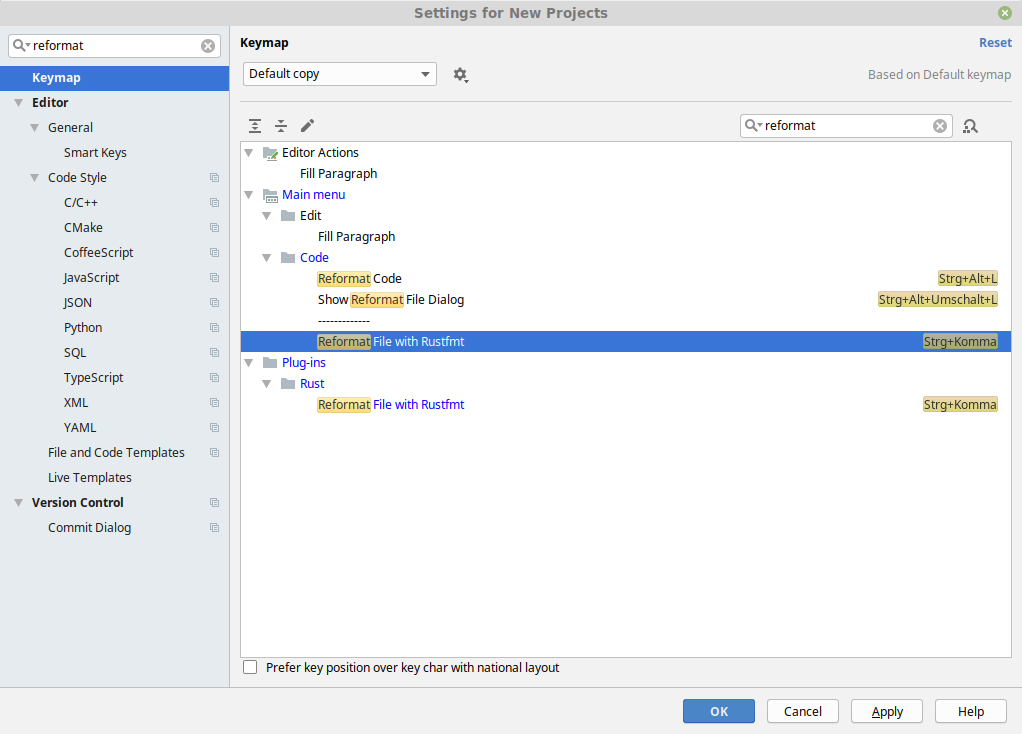
- Done. You can now use rustfmt in an opened *.rs file with your previously specified shortcut
|
